
DOS · 1989
Populous
Populous is a real time strategy game for DOS, released in 1989. It was developed by Bullfrog Productions, Ltd.
DOS · 1989
Populous is a real time strategy game for DOS, released in 1989. It was developed by Bullfrog Productions, Ltd.
Click the button below to launch the DOS emulator and start playing instantly in your browser.
These are separate games or editions; your saved progress does not transfer.
Browse all playable games →Wait for larger games to download. If loading stalls, reload and try again. Check your connection and allow this site's player files if a browser extension blocked them. Once the screen appears, click inside it before using the keyboard.
Read the playing helpDOS controls vary by game. Use the player’s input menu for a virtual keyboard or mouse when available. A hardware keyboard is recommended for games with many keys.
Touch support varies by emulator and game. You can still expand the keyboard layout below, or connect a compatible keyboard or gamepad.
Control panel
Keyboard and mouse — this title uses its archived JS-DOS configuration.
A compatible gamepad can be used after launch.
The archived source configuration selects the game launcher and DOSBox settings. Game keys still vary by title; check its title screen or in-game help.
System: Use the JS-DOS player menu for fullscreen and input options. The source package remains the authority for title-specific keys.
Favorites bookmark this page; they do not save progress.
Use the game’s own Save/Load menu when available. JS-DOS save options depend on this package; check its player menu and game instructions.
In-game saves and emulator states are different. Availability varies by game and player. Browser storage can be cleared; a downloaded backup is not cloud sync.
More about controls and backupsPlayer feedback
Was this classic worth replaying?
Share this game
Share a direct link to this game page.
Populous is a real time strategy game for DOS, released in 1989. It was developed by Bullfrog Productions, Ltd.
Explore the DOS collection and discover more real time strategy games below.
The control panel below the game screen shows this edition’s keys. Click inside the game before using your keyboard.
Open the player menu for the options available in this emulator. Save support varies by game and player; see the playing help for more guidance.
Browse real time strategy games across systems, or stay with the DOS catalogue. Related picks below explain how each game connects.
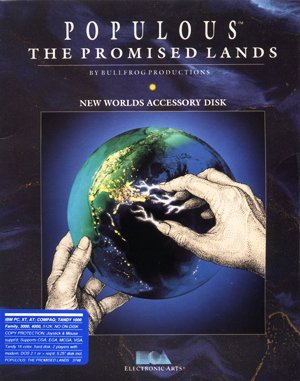 YEAR1989
DOS
real time strategy 1 Player
Real-time strategy gameplay · DOS
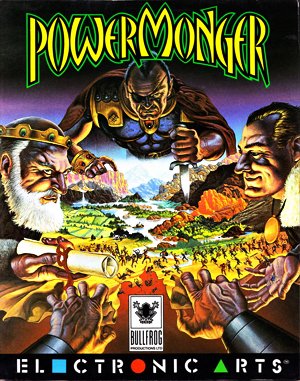 YEAR1992
DOS
real time strategy 1 Player
Real-time strategy gameplay · DOS
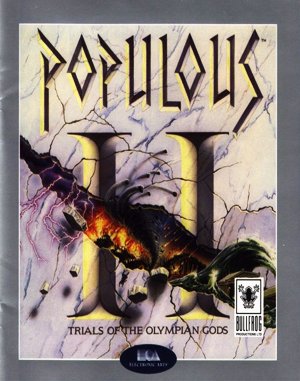 YEAR1993
DOS
real time strategy 1 Player
Real-time strategy gameplay · DOS
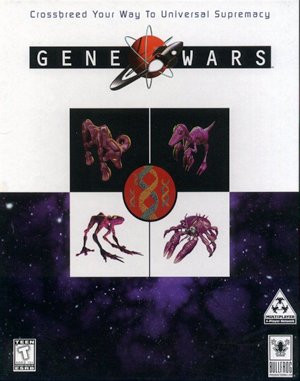 YEAR1996
DOS
real time strategy 1 Player
Real-time strategy gameplay · DOS