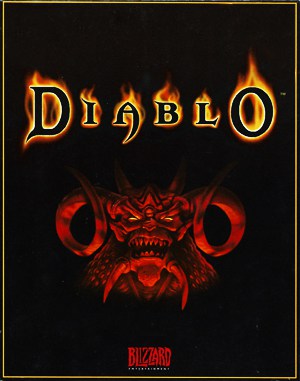
Windows · 1998
Diablo
The dark gothic action RPG that established click-to-loot dungeon crawling beneath the ruined church of Tristram.
Windows · 1998
The dark gothic action RPG that established click-to-loot dungeon crawling beneath the ruined church of Tristram.
These are separate games or editions; your saved progress does not transfer.
Browse all playable games →The dark gothic action RPG that established click-to-loot dungeon crawling beneath the ruined church of Tristram.
Choose Warrior, Rogue, or Sorcerer and descend sixteen floors of procedurally generated catacombs, caves, and hell chambers to defeat the Lord of Terror. Collect spell books, magical affix gear, and unique legendary weapons.
Always carry Town Portal scrolls in your belt rather than in inventory. Hotkeying Town Portal allows instantaneous retreat when surrounded by fast-moving succubi or lightning demon packs.
This is Blizzard North’s original 1996/1998 action RPG classic.
Background and mechanics: Wikipedia game reference.
Check the edition and timing requirements before entering a code. Button names refer to the emulated controller; use your assigned keyboard or controller inputs.
Drop item, walk away, click to pick up and drink potion on pickup frameDrop the valuable item or gold pile on the ground. Walk a few steps back. Click the item to pick it up, and precisely as your hero bends down, click a belt potion. The item duplicates into your pack while remaining on the floor.
Cast Mana Shield with high Magic stat and belt full of Blue PotionsRedirects 100% of physical and elemental damage to Mana. Since Mana recharges instantly with inexpensive Mana Potions, Sorcerers become essentially unkillable.
Lure The Butcher to a barred gate and fire arrows or spells through barsThe Butcher cannot open closed barred doors or dungeon gates. Close the door in his face and fire bows or Firebolts safely through the iron grating.
The control panel below the game screen shows this edition’s keys. Click inside the game before using your keyboard.
Open the player menu for the options available in this emulator. Save support varies by game and player; see the playing help for more guidance.
Browse Role Playing games across systems, or stay with the Windows catalogue. Related picks below explain how each game connects.
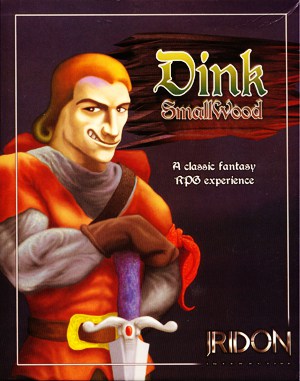 Archive onlyYEAR1998
Windows
Role Playing 1 Player
Role Playing collection · Windows
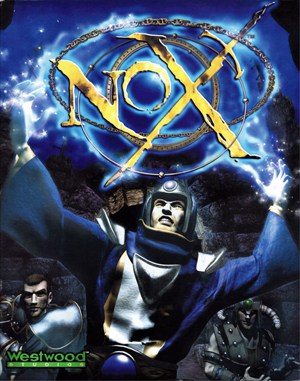 Archive onlyYEAR2000
Windows
Role Playing 1 Player
Role Playing collection · Windows
 YEAR1998
DOS
Role Playing 1 Player
Role Playing collection · DOS
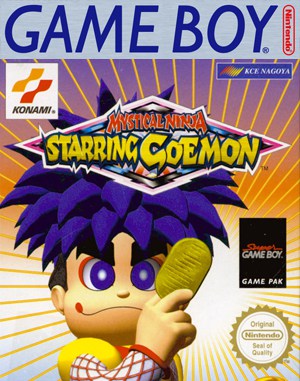 YEAR1998
Game Boy
Role Playing 1 Player
Role Playing collection · Game Boy