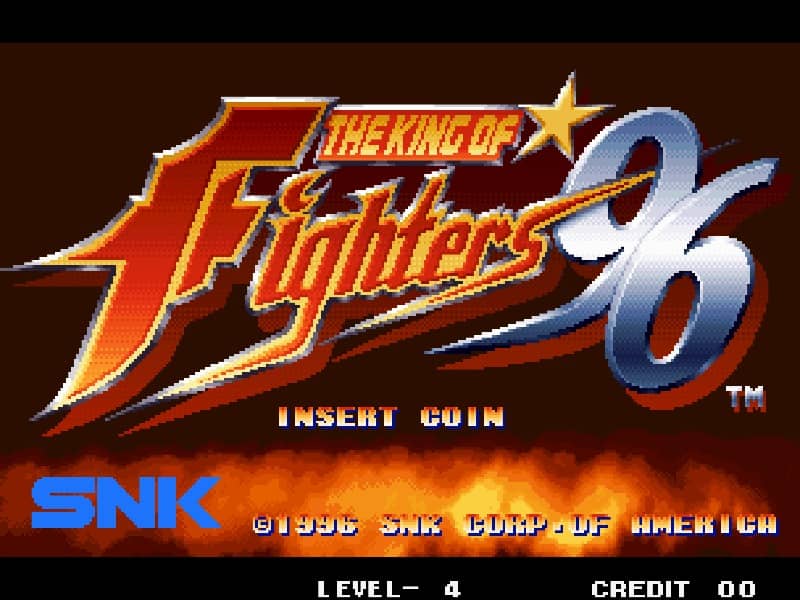
Arcade · 1996
The King of Fighters '96
The King of Fighters ’96 changes the series’ movement with emergency rolls and more varied jump heights.
Arcade · 1996
The King of Fighters ’96 changes the series’ movement with emergency rolls and more varied jump heights.
Click the button below to launch the Arcade emulator and start playing instantly in your browser.
These are separate games or editions; your saved progress does not transfer.
Browse all playable games →Wait for larger games to download. If loading stalls, reload and try again. Check your connection and allow this site's player files if a browser extension blocked them. Once the screen appears, click inside it before using the keyboard.
Read the playing helpStart the game, then use its on-screen direction pad and action buttons. If they are hidden, choose Show touch controls above the game. Turn your phone sideways for more room; use Fullscreen when your browser supports it.
Use the on-screen Select / coin button before Start.
Touch support varies by emulator and game. You can still expand the keyboard layout below, or connect a compatible keyboard or gamepad.
Control panel
Arrow keys move · V inserts a coin in coin-operated games · Enter starts · Z / X / A / S are action keys.
A compatible gamepad can be used after launch.
Default Player 1 keys are shown. If you changed them or use a gamepad, check the player’s control settings.
System: Move the pointer over the game screen to reveal the player toolbar, or tap its menu button on touch devices. Use the toolbar for save and load states, fullscreen, and control settings.
Importing replaces the save stored for this game on this browser. Download your current backup first if you want to keep it.
Launch the game to check save-state support.
Save progress keeps one emulator snapshot for this game on this browser. Saving again replaces that snapshot. Download a backup before clearing site data or changing devices. No account or cloud sync is provided.
Import an OLDGAMES backup on this same game page, then launch and choose Resume saved game. Older .state files use the player’s Load State menu.
Favorites bookmark this page; they do not save progress.
In-game saves and emulator states are different. Availability varies by game and player. Browser storage can be cleared; a downloaded backup is not cloud sync.
More about controls and backupsPlayer feedback
Was this classic worth replaying?
Share this game
Share a direct link to this game page.
The King of Fighters ’96 changes the series’ movement with emergency rolls and more varied jump heights.
Three-character teams remain central, but movement gives ’96 a different rhythm from ’95. Emergency evasion lets a fighter roll toward or away from an opponent, while different jump heights create more ways to approach. The roster also brings together several earlier boss characters.
A forward roll can take you through to the other side of your opponent. Check where you finish before entering a directional move; your character may now be facing the opposite way. Try the different jump heights as well, since each changes the timing of your approach.
The King of Fighters ’95 uses the earlier dodge system. The King of Fighters ’97 adds the Advanced and Extra style choice.
Background and mechanics: Wikipedia game reference.
Check the edition and timing requirements before entering a code. Button names refer to the emulated controller; use your assigned keyboard or controller inputs.
Select Team Edit, hold Start, press: Up + B, Right + C, Left + A, Down + DOn the Team Edit screen, hold Start and press Up + B, Right + C, Left + A, Down + D. Chizuru Kagura and the wind-wielding boss Goenitz become available at the top of the roster.
The control panel below the game screen shows this edition’s keys. Click inside the game before using your keyboard.
Open the player menu for the options available in this emulator. Save support varies by game and player; see the playing help for more guidance.
Browse Action games across systems, or stay with the Arcade catalogue. Related picks below explain how each game connects.
 YEAR1996
Arcade
Action 1-2 Players
Fighting gameplay · Arcade
 YEAR1995
Arcade
Action 1-2 Players
Fighting gameplay · Arcade
 YEAR1995
Arcade
Action 1-2 Players
Fighting gameplay · Arcade
 YEAR1997
Arcade
Action 1-2 Players
Fighting gameplay · Arcade