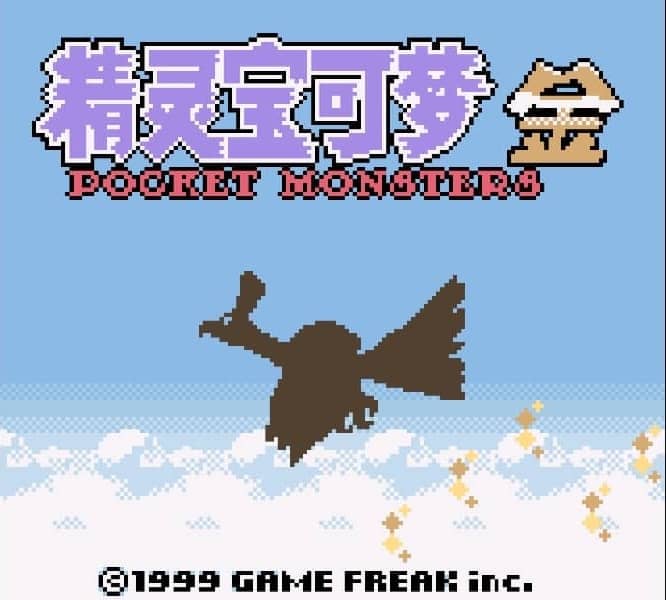
Game Boy Color · 1999
Pokemon Gold
Pokémon Gold introduced 100 new species, real-time day/night cycles, held items, and the return to the Kanto region.
Game Boy Color · 1999
Pokémon Gold introduced 100 new species, real-time day/night cycles, held items, and the return to the Kanto region.
Click the button below to launch the Game Boy Color emulator and start playing instantly in your browser.
These are separate games or editions; your saved progress does not transfer.
Browse all playable games →Wait for larger games to download. If loading stalls, reload and try again. Check your connection and allow this site's player files if a browser extension blocked them. Once the screen appears, click inside it before using the keyboard.
Read the playing helpStart the game, then use its on-screen direction pad and action buttons. If they are hidden, choose Show touch controls above the game. Turn your phone sideways for more room; use Fullscreen when your browser supports it.
Touch support varies by emulator and game. You can still expand the keyboard layout below, or connect a compatible keyboard or gamepad.
Control panel
Arrow keys move · Z = controller A · X = controller B · Enter starts · V selects.
A compatible gamepad can be used after launch.
Default Player 1 keys are shown. If you changed them or use a gamepad, check the player’s control settings.
System: Move the pointer over the game screen to reveal the player toolbar, or tap its menu button on touch devices. Use the toolbar for save and load states, fullscreen, and control settings.
Importing replaces the save stored for this game on this browser. Download your current backup first if you want to keep it.
Launch the game to check save-state support.
Save progress keeps one emulator snapshot for this game on this browser. Saving again replaces that snapshot. Download a backup before clearing site data or changing devices. No account or cloud sync is provided.
Import an OLDGAMES backup on this same game page, then launch and choose Resume saved game. Older .state files use the player’s Load State menu.
Favorites bookmark this page; they do not save progress.
In-game saves and emulator states are different. Availability varies by game and player. Browser storage can be cleared; a downloaded backup is not cloud sync.
More about controls and backupsPlayer feedback
Was this classic worth replaying?
Share this game
Share a direct link to this game page.
Pokémon Gold introduced 100 new species, real-time day/night cycles, held items, and the return to the Kanto region.
Journey across Johto to defeat eight Gym Leaders and Team Rocket before traveling to the original Kanto region. Real-time clock events, roaming legendary beasts, and breeding mechanics make every playthrough unique.
Use the False Swipe move when hunting roaming legendaries Raikou and Entei. It guarantees leaving the target with at least 1 HP, maximizing capture odds without risking a knock-out.
This is the classic Game Boy Color Gold Version featuring the rainbow guardian Ho-Oh.
Background and mechanics: Wikipedia game reference.
Check the edition and timing requirements before entering a code. Button names refer to the emulated controller; use your assigned keyboard or controller inputs.
Deposit Pokémon holding item into PC Box, Change Box, turn off at SAVINGGive an item (like Master Ball or Rare Candy) to a Pokémon. Deposit it in an empty box, select Change Box, and power off the emulator while the message "SAVING... DON'T TURN OFF THE POWER" is printing. Upon reboot, the clone exists in both your party and the storage box.
Press Down + B + Select on Title ScreenOpens the hidden clock reconfiguration menu to change days and hours to trigger specific time-based events.
Travel to Lake of Rage at Level 30Encounter the story-driven Red Gyarados for an immediate powerful Water/Flying shiny battler.
The control panel below the game screen shows this edition’s keys. Click inside the game before using your keyboard.
Open the player menu for the options available in this emulator. Save support varies by game and player; see the playing help for more guidance.
Browse Adventure games across systems, or stay with the Game Boy Color catalogue. Related picks below explain how each game connects.
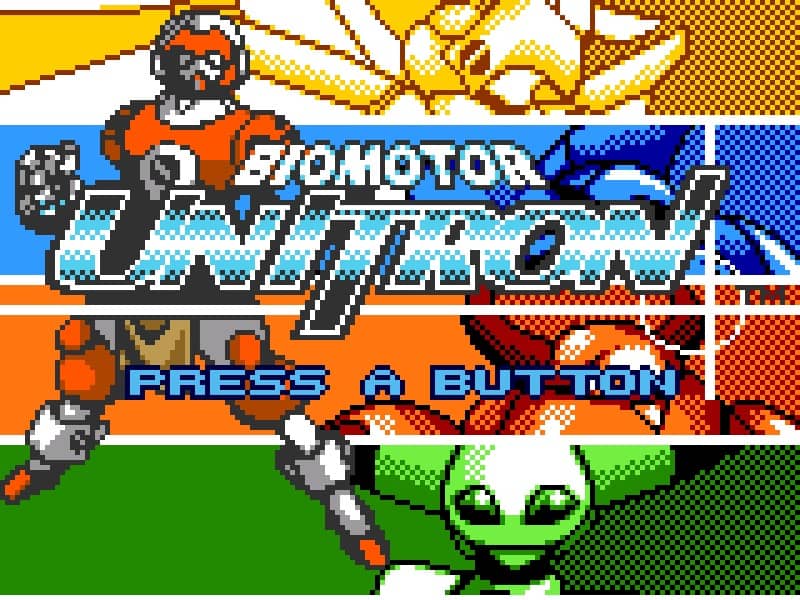 YEAR1999
Neo Geo Pocket Color
Adventure 1 Player
Role-playing gameplay · Neo Geo Pocket Color
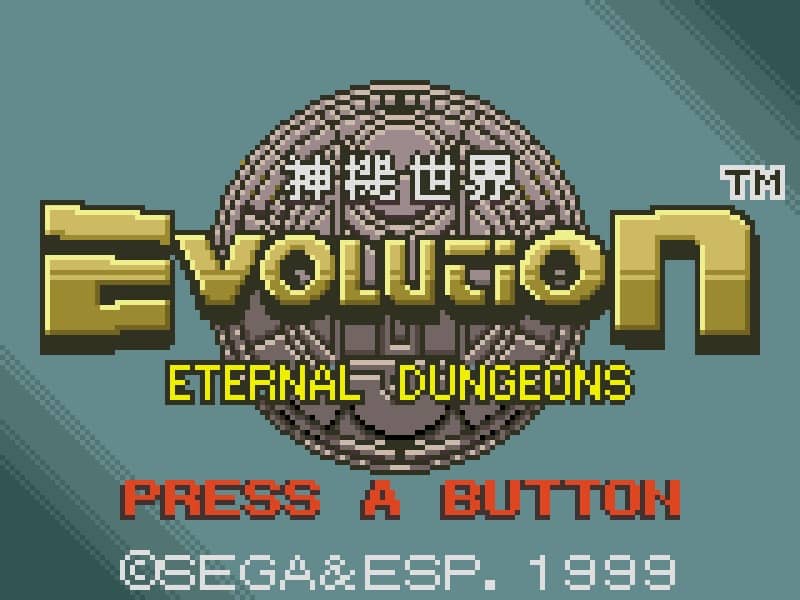 YEAR1999
Neo Geo Pocket Color
Adventure 1 Player
Role-playing gameplay · Neo Geo Pocket Color
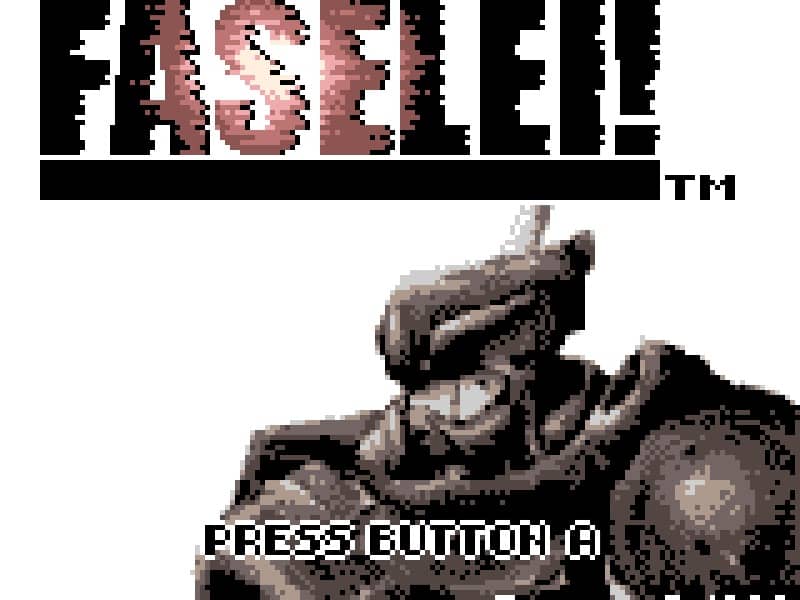 YEAR2000
Neo Geo Pocket Color
Adventure 1 Player
Role-playing gameplay · Neo Geo Pocket Color
 YEAR2001
Game Boy Advance
Adventure 1 Player
Role-playing gameplay · Game Boy Advance